Feston SEV

Always On
Customer Service Flow chart
Support Operations
Customer Service Flow
The end-to-end complaint-to-resolution journey, updated with the latest ticketing terminology and revised turnaround times across Standard and Elite service tracks.
Standard Service
Elite Service
📝
Complaint Registration through Feston Care Service, CRM, or E-mail.
💻
CRM collects the Customer and Product details & generates a Ticket number.
🛠️
Feston Support Engineers assist through online technical support within 6 working hours.
Standard Service
Elite Service
⚠️
Inverter error code identified & solved within 24 hrs.
📋
The corresponding Service Engineer closes the ticket number.
🤝
Ticket Closed.
🏬
Unable to resolve remotely — needs service centre support.
⚙️
Customer sends the inverter to the nearest service centre or dealer within 48–72 hrs.
🔧
Repair the inverter.
🔋
Replace with new inverter.
🚚
Dispatch the inverter to the customer address within 5 working days.
— on-site path merges below —
🖥️
For on-site cases, the corresponding Feston Service Engineer performs the repair within 48 working hours, and replacement within 5 working days for the inverter.
✅
Ticket Closed.
📊
Feedback Form — closing the loop with the customer.
Feston Support & Warranty Services
📞 +91 9384813428
✉️ csm@festonsev.com
Warranty Claim Procedure
How a warranty claim moves from first diagnostics to a resolved, returned unit — across four clear stages.
STEP 1
Initial Diagnostics
Installer / end user tries to identify the issue
↓
Contact Feston Technical Support for remote assistance
↓
The technician, with adequate understanding of Feston equipment and installation, tries to diagnose
STEP 2
Lodging a claim
Feston Web Portal
Customer Service Email
↓
Provide required information like error codes, measurements, photos, communication records
↓
Other option
⌄
Conditional replacement
Service partner request
STEP 3
Dispatch replacement unit
↓
Estimate based on transportation
↓
STEP 4
Returning the Faulty Unit
↓
↓
(Borne by Feston)
+91 9384813428
csm@festonsev.com
Product Registration in Feston Care App
The complete path a user follows to register a product — from downloading the app to receiving the warranty certificate and test report.
Start
↓
Download App
↓
Open Play Store
Search Feston Care
Download and Install App
↓
Sign Up
↓
Enter Credentials
↓
Choose Login Type
User
Installer
Other Category
Enter Mobile Number
↓
Access App
↓
Register Product
↓
↓
Download Documents
↓
Warranty Certificate
Test Report
↓
End
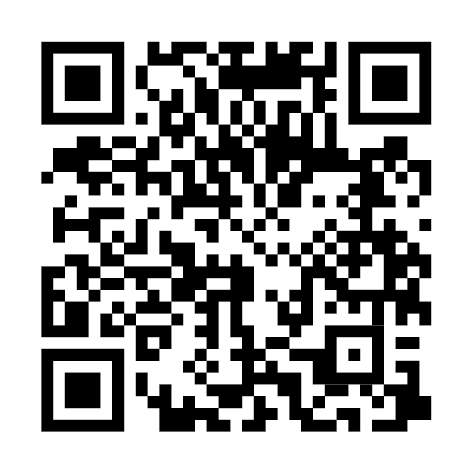
User Self-Registration Link: https://festoncare.blackitechs.in/register
+91 9384813428
csm@festonsev.com
Products
Service Registration

© 2026 FESTON S.E.V Pvt. Ltd. All Rights Reserved.